
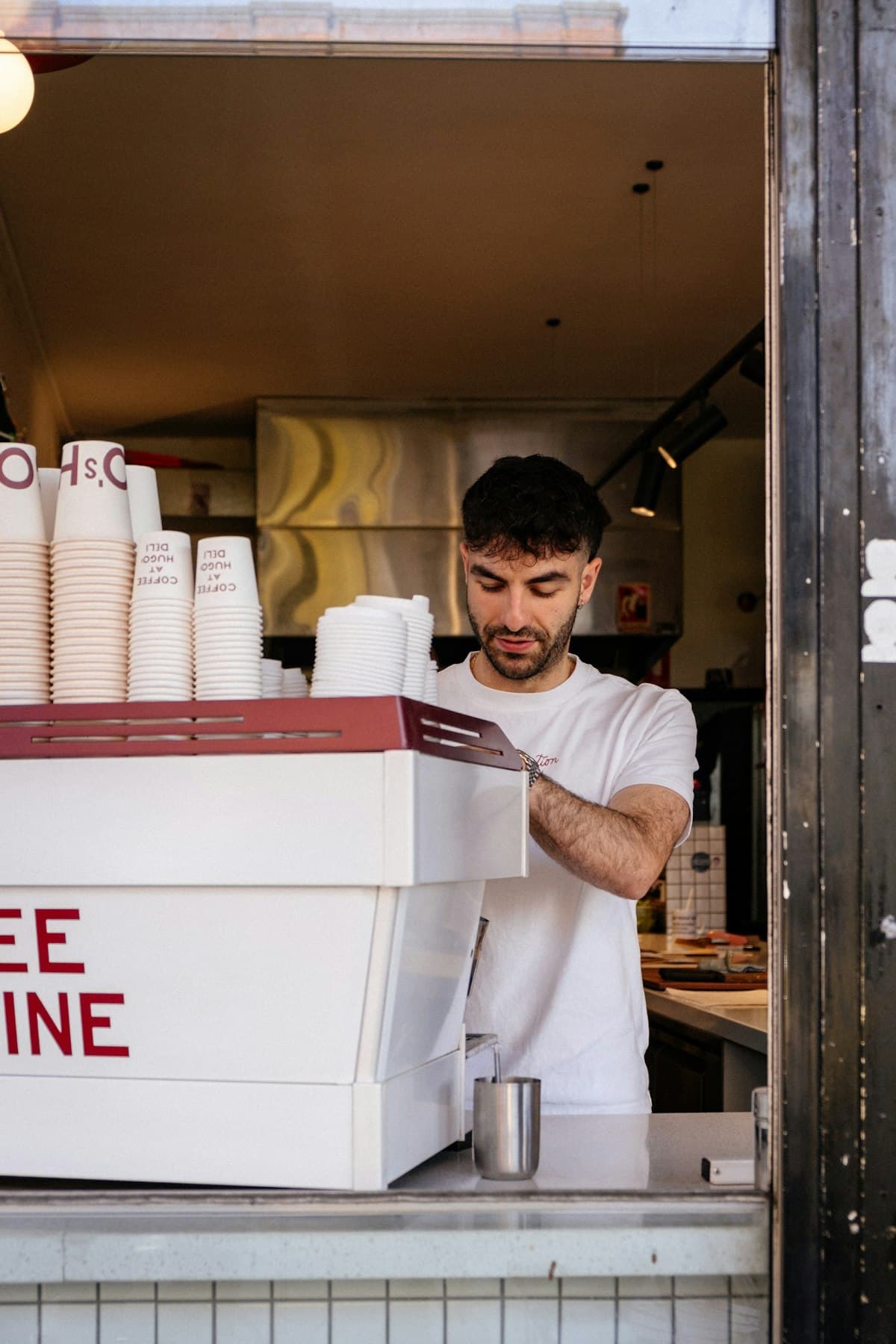
Automating the back-office admin in a 45-seat cafe freed the owner from nearly a full working day of emails and manual follow-up every week — without hiring extra staff or replacing the rostering software already in place.
The admin load most cafe operators do not account for
Running a cafe in Australia is not just front-of-house. Behind the coffee machine and the busy weekend trade sits a recurring stack of admin that no POS system or rostering app handles for you.
The usual suspects: supplier invoices arriving by email that need checking and filing, casual staff who need confirming each week before they show up, catering enquiries that deserve a prompt reply but sit in the inbox until someone has a quiet moment, and a daily sales reconciliation that turns into a ten-minute scramble every morning.
For a small business owner managing fourteen casual staff and three or four regular suppliers, those tasks add up to six to eight hours a week. That is a full shift — effectively unpaid — spent on admin that does not serve a single customer.
Workflow automation for small businesses addresses exactly this layer: the repetitive, rules-based work that happens the same way every time, regardless of who is doing it. The tools you already use stay in place; a layer of automation sits on top and handles the handoffs.
The problem: a Cairns cafe running on the owner's time
Trish operates a 45-seat cafe in Cairns' CBD. The business runs Tuesday to Sunday, relies on fourteen casual staff across two weekly rosters, and takes private catering bookings for corporate morning teas and small events.
Before automation, her Monday routine looked like this:
- Open the inbox: five to twelve supplier emails, a mix of invoices, delivery confirmations, and the occasional discrepancy query.
- Work through supplier invoices manually: download each PDF, match against the standing order, enter the amount in Xero, file the email.
- Send shift confirmations: message each casual individually via text or email to confirm the coming week's roster, then wait for replies, then chase anyone who had not confirmed by Wednesday.
- Reply to catering enquiries: two to four enquiries most weeks, each needing a response outlining availability, menu options, minimum spend, and a link to the booking form.
- Run the daily sales summary: pull figures from Square, cross-reference against Xero, email herself a summary of the previous day's takings, any discrepancies, and refunds processed.
Total time: roughly eight hours a week, spread across Monday to Wednesday mornings. Every hour spent on that was an hour not available for floor management, staff training, or menu development.
What FluxWork built
FluxWork mapped Trish's existing tools — Square for point of sale, Xero for accounting, Gmail for all business communications, and Deputy for rostering — and built four automation workflows on top of them. Nothing was replaced.
Supplier invoice follow-up
A Gmail-based workflow watches the inbox for emails from Trish's regular suppliers. When an invoice arrives, the automation extracts the supplier name, invoice number, and total amount, then creates a draft Xero bill pre-filled with that data. If the amount does not match the standing order within a five-percent tolerance, a flagged summary is sent directly to Trish's phone. Invoices that fall within tolerance are filed automatically into the relevant supplier folder.
Supplier invoice processing dropped from 45 minutes per week to under five.
Shift confirmation sequence
Deputy exports the weekly roster each Sunday. The automation reads the file, identifies each casual's name and allocated shift, and sends a personalised confirmation message at 7:00 pm. Staff who have not confirmed by Tuesday midday receive a single automated follow-up. Anyone still unconfirmed by Wednesday morning appears on a short exception list for Trish to action directly.
Manual shift-chasing dropped from 90 minutes per week to a two-minute check of the exception list.
Catering enquiry intake
A short enquiry form on the cafe's contact page captures event date, guest numbers, dietary requirements, and approximate budget. On submission, the enquirer receives an immediate acknowledgement email with a PDF outlining the catering menu, pricing tiers, and minimum spend. Trish receives a structured summary by email and only writes a personal reply when the enquiry meets the minimum threshold for catering.
Catering response time dropped from one to two days to under five minutes, and the no-reply rate fell to zero.
Daily sales summary
A nightly workflow runs at 10:30 pm, reads the Square daily report via API, checks the matching Xero reconciliation status, and sends Trish a plain-text summary of the day's gross takings, outstanding reconciliation items, and any refunds processed. Three lines. Ready to read over breakfast.
Does automating shift reminders create Fair Work compliance issues?
This is a common question for hospitality operators, and the answer is straightforward: the automation handles communication, not employment decisions.
Fair Work Australia's guidance on casual employment is clear that employers are responsible for offering and confirming casual engagements, but it does not prescribe how that communication must be delivered. A message sent from an automation tool carries the same weight as one sent manually, provided the business retains records and the roster itself is set by the employer.
Trish retains full control over the roster in Deputy. The automation simply sends the messages she would have sent manually, at the time she would have sent them, and logs every response in a shared folder. Nothing changes about her obligations as an employer — she just stops doing the repetitive communication part by hand.
What did the results actually look like?
After six weeks in operation, Trish tracked time spent on each task against her pre-automation baseline:
| Task | Before | After |
|---|---|---|
| Supplier invoice processing | 45 min/week | 5 min/week |
| Shift confirmations and follow-up | 90 min/week | 2 min/week |
| Catering enquiry responses | 60 min/week | 8 min/week |
| Daily sales summary | 30 min/week | 0 min/week |
| Total | ~225 min/week | ~15 min/week |
Six hours of admin recovered every week. Within 48 hours of the catering enquiry automation going live, a booking that had previously gone unanswered came back with a confirmed deposit.
The less visible shift: Trish stopped starting Monday mornings with a two-hour inbox session. The inbox became a triage tool for genuine exceptions, not a workload in itself.
Is done-for-you automation right for your hospitality business?
Automation of this kind suits businesses that already have their core tools in place — a POS system, an accounting platform, a rostering app — but have never connected them. If the same admin tasks repeat every week and the same messages are written and sent by hand each time, a workflow exists and it can be automated.
It is less suited to businesses in the middle of a system change, or where the owner prefers to personally manage every customer touchpoint at every stage.
For most cafe and restaurant operators running with a small team and a predictable weekly rhythm, the build is straightforward. FluxWork typically maps the opportunity in a free Workflow Review, agrees on scope in a single call, and is live within two to three weeks.
If admin is eating into your floor time, book a free Workflow Review to see where the hours are going and what can be automated first.
Frequently asked questions
What admin tasks can a cafe or restaurant automate in Australia?
The most common starting points are supplier invoice processing, staff shift confirmation sequences, customer enquiry intake with automated first responses, and daily sales summaries pulled from a POS system. Most of these tasks repeat on a weekly or daily cycle and follow the same rules every time, which makes them straightforward to automate without replacing the tools already in use.
Can I automate shift confirmations without replacing my rostering app?
Yes. Automation tools work as a layer on top of existing rostering apps like Deputy, Tanda, or Humanforce. The rostering software continues to manage the schedule; the automation reads the confirmed roster and handles the communication — sending reminders, logging responses, flagging non-confirmations — without touching the underlying system.
Does workflow automation work with Square, Xero, and Deputy?
All three have documented APIs and webhook support, which means they can be connected to automation workflows without custom software development. A typical hospitality automation reads Square sales data, creates or updates Xero transactions, and uses Deputy roster exports as triggers — all without the owner exporting files or re-entering data manually.
How long does it take to set up admin automation for a cafe?
Most hospitality automation builds at FluxWork take two to three weeks from scoping call to go-live. The timeline depends on the number of workflows being built and how many tools need to be connected. Setup time does not scale significantly with the size of the business — a 20-seat cafe and a 100-seat restaurant follow the same process and similar timelines.
How much does workflow automation cost for a small hospitality business?
FluxWork works on fixed-scope builds rather than hourly billing, so the cost is agreed before any work begins. For a small operator automating two or three workflows — supplier invoices, shift confirmations, and a daily summary — the investment is typically recovered within a month or two of time savings. The free Workflow Review gives a clear picture of what the time savings are worth before any commitment is required.