
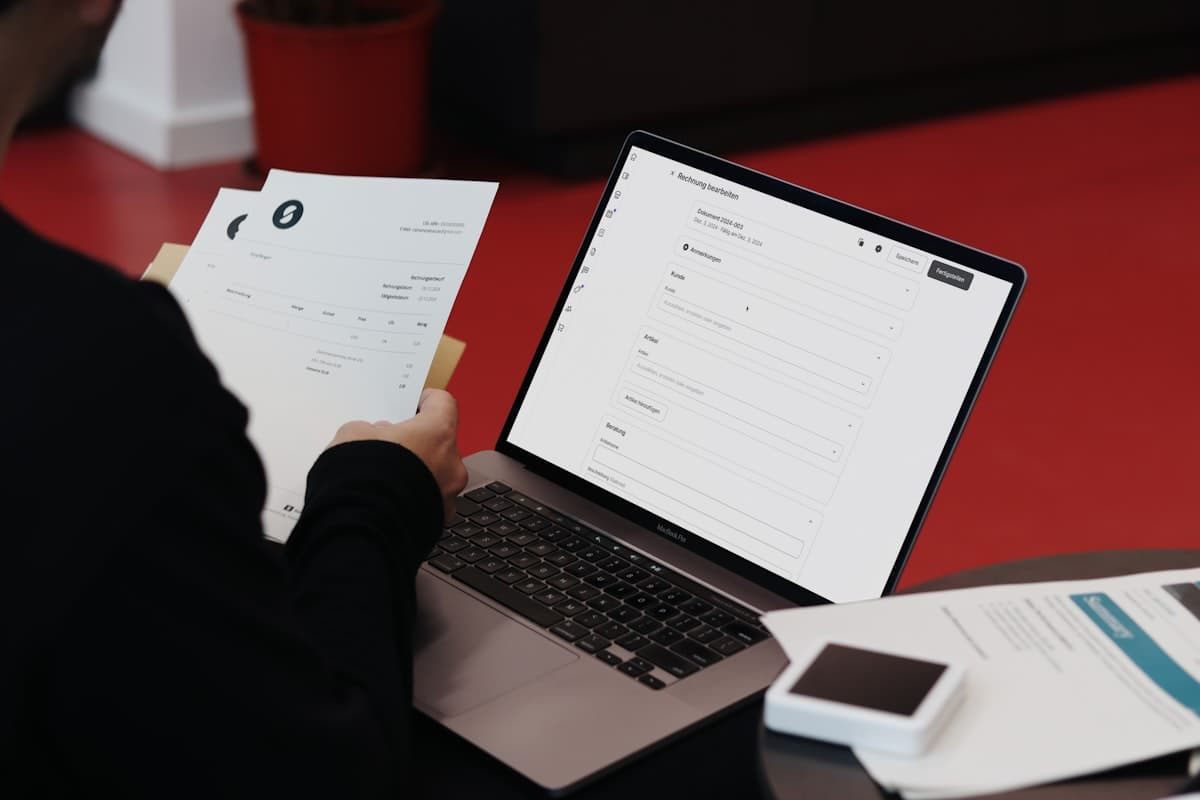
Automating invoice follow-up cut the average days outstanding for a Sydney HR consulting practice from 28 days to 11 — without the principal ever manually sending a chase email again. The practice was billing around $120,000 a month, using Xero for invoicing, and relying on the owner to follow up clients who went quiet after the due date. Most months, three or four invoices sat for weeks longer than they should. The owner knew it, felt awkward about chasing good clients, and often left it until cash flow became a real problem.
Late payment is one of the most consistent stressors for Australian small businesses. According to the Australian Small Business and Family Enterprise Ombudsman, late payment is among the leading causes of small-business cash-flow failure in Australia. The businesses that get paid faster are not necessarily the most aggressive — they are the most consistent. Automation provides that consistency so the owner never has to be the one who nags.
Why manual invoice chasing quietly costs you
The unpaid invoice itself is visible. The follow-ups that never happen are not.
When a business owner is juggling delivery, client work, and staff, overdue invoice reminders fall to the bottom of the list. A client goes two weeks past due. The owner means to follow up but is in back-to-back meetings. By the time they get to it, the invoice is a month overdue and the conversation feels awkward. Some clients have genuinely forgotten; others have learned, over time, that this particular supplier is easy to delay.
The Sydney HR consulting practice had 35 to 40 active invoices in Xero at any point. Three or four went overdue every month. The principal estimated she was spending 90 minutes a week searching for overdue invoices, drafting emails, and making calls — time taken directly from billable work. More importantly, the inconsistency of the chasing meant that some clients formed habits around slow payment because nothing arrived after the due date.
Consistent, predictable follow-up — even if brief and friendly — changes the payment dynamic before it becomes a habit.
What "automated follow-up" actually means beyond your accounting software
What Xero and MYOB reminders already do
Both Xero and MYOB include built-in invoice reminder features. Xero's invoice reminders send automated emails at intervals you configure — typically a day before due, the day of, and a set number of days after. MYOB offers similar date-triggered reminders. These features work and are worth turning on if you have not already.
The gap they leave
The problem is what native reminders cannot do. They send a single-channel email with the same message to every client regardless of payment history. A client who pays on time every month receives the same reminder as one who is chronically three weeks late. There is no escalation logic — the fifth overdue reminder looks identical to the first. There is no visibility across your CRM or communication history, so a client who has already emailed you about a dispute still gets the automated chase. And there is no hand-off — when the email sequence exhausts, nothing happens.
The done-for-you layer
The invoice follow-up workflow FluxWork builds sits on top of Xero or MYOB rather than replacing it. It reads invoice status from your accounting tool and adds the layer the native reminders do not cover: multi-channel delivery (email and, where appropriate, SMS), payment-history-aware tone, escalating message firmness over time, and a human-escalation task when the sequence completes without payment.
A follow-up sequence that gets you paid without damaging relationships
For the HR consulting practice, FluxWork built a five-step sequence triggered by invoice status in Xero.
Step 1 — Pre-due confirmation (3 days before due date) An automated email goes out three days before the due date. It confirms the invoice details, includes a direct payment link, and thanks the client. Tone: warm and professional. Most clients who pay on time do so here. The principal had never sent pre-due emails before; within three weeks, one client commented unprompted that it was "really helpful."
Step 2 — Due date prompt (due date) On the due date, a brief email goes out: a "just a nudge" framing with the payment link front and centre.
Step 3 — +3 days overdue (helpful) Tone remains helpful. The message acknowledges that things get busy, includes the invoice number and amount, and offers a contact number for queries.
Step 4 — +7 days overdue (firm) Tone shifts. The message is direct about the outstanding amount and requests payment by a specific date. Good-payer logic branches here: a client with a clean 12-month payment history receives a softer version. A client with two or more late-payment incidents in the past six months receives the firm version immediately.
Step 5 — +14 days overdue (human escalation) The sequence creates a task in the practice's CRM for the principal or a designated team member to call. The call task includes the invoice history and the client's payment record. The automation does not pretend a phone call is unnecessary at this point — it surfaces the right information at the right time so the call is prepared and purposeful, not reactive.
Each step includes a stop condition: if the invoice is paid, partially paid, or the client sends an email flagging a dispute, the sequence pauses automatically. The principal never has to remember to cancel a reminder mid-sequence.
The result was a meaningful reduction in the number of invoices reaching steps 4 and 5. Most resolved at steps 1 and 2 — steps that had not existed before.
How does e-invoicing fit, and why does it matter now?
The ATO is rolling out Peppol e-invoicing across Australia. The Commonwealth Government has set a target of 30 per cent of supplier invoices delivered via Peppol by 1 July 2026, with a default e-invoicing target for Commonwealth agencies by December 2026. The supported format since May 2025 is PINT A-NZ. For the current official position, see the ATO's guidance on e-invoicing for small businesses.
For businesses invoicing Commonwealth government entities, this matters directly. E-invoices submitted via the Peppol network trigger a statutory five-day Pay On Time obligation — faster than any reminder sequence can operate. For businesses that are not yet invoicing government, the rollout signals the direction of travel for B2B invoicing in Australia.
Practically: e-invoices are processed faster, disputed less often (the data arrives in a machine-readable format rather than a PDF that someone re-enters by hand), and paid under tighter statutory timelines where government procurement is involved. It is worth noting that Peppol e-invoicing is not a blanket mandate for general B2B invoicing — only government-procurement obligations apply today. But an automated AR workflow future-proofs your accounts receivable now, before any compliance pressure arrives.
Setting it up without breaking your books
The HR practice was running Xero Standard. Nothing changed in how invoices were created, approved, or recorded. FluxWork connected to Xero via API, read invoice status, and triggered the external follow-up sequence from that data. No new tools were imposed on the bookkeeper. The accounting workflow she understood remained unchanged.
The workflow includes guardrails designed for real practice: pause rules for disputed invoices, automatic stop-on-payment regardless of which step is active, owner approval required before step 5 escalates to a call task, and exclusions for invoices below a configurable threshold where chasing costs more than the invoice is worth.
The build took nine working days from scoping call to go-live. If you want to see the same sequence mapped to your own accounting tool, a free workflow review takes 45 minutes and covers your full AR setup — including whether your current Xero or MYOB reminder settings are configured correctly before any custom automation is considered. For context on how automation compares to handling this in-house, the automate admin tasks guide covers the broader decision framework.
Frequently asked questions
Can I automate invoice reminders in Xero or MYOB?
Both platforms include native date-triggered reminder emails, which are worth enabling if you have not already. A custom automation layer adds multi-channel delivery, escalation logic, and payment-history-aware branching that native reminders do not cover — most useful for higher-volume invoicing or when you have a mixed-reliability client base where one-size messaging does not work.
How many follow-up reminders is too many?
A sequence of four to five steps over a 14-day window after the due date — with a pre-due confirmation three days before — covers the vast majority of slow payers without becoming intrusive. More than five steps without a human hand-off tends to damage client relationships without improving recovery rates. The goal is consistent presence, not pressure.
Will automated reminders annoy reliable clients?
Not when the sequence is built with payment-history logic. Clients with strong payment records receive fewer and softer touchpoints. The pre-due confirmation (step 1) is consistently received positively — it reads as organised and professional rather than aggressive. Tone escalates only for invoices that go meaningfully overdue, and only when the client's payment history warrants it.
Do I need to be on e-invoicing (Peppol) to automate follow-up?
No. Automated invoice follow-up works with standard Xero or MYOB invoicing exactly as it is today — there is no dependency on Peppol or any change to your invoicing format. E-invoicing via Peppol is a separate process relevant primarily to businesses invoicing Commonwealth government entities. The two are independent.
How long does the setup take?
For a business already on Xero or MYOB, the build typically goes from scoping call to live sequence in one to two weeks. A free workflow review maps your current AR setup first so the sequence is calibrated to your actual client base and payment history before it runs.